
Chrome Extension
X Replies Scraper
A free Chrome extension that grabs every reply on any X (Twitter) post, nested conversations included, and exports them to CSV or JSON in one click.
Everything you need to pull a post's replies
A Chrome extension built for exporting X replies to CSV or JSON without missing a single response.
-
Any public X post
Point it at any public post URL and it pulls the full reply thread, no login required.
-
Nested replies included
Not just top-level replies, but every response at every depth, with parent/child relationships intact.
-
One-click CSV or JSON export
Choose your format and download a clean, ready-to-use file in a click.
-
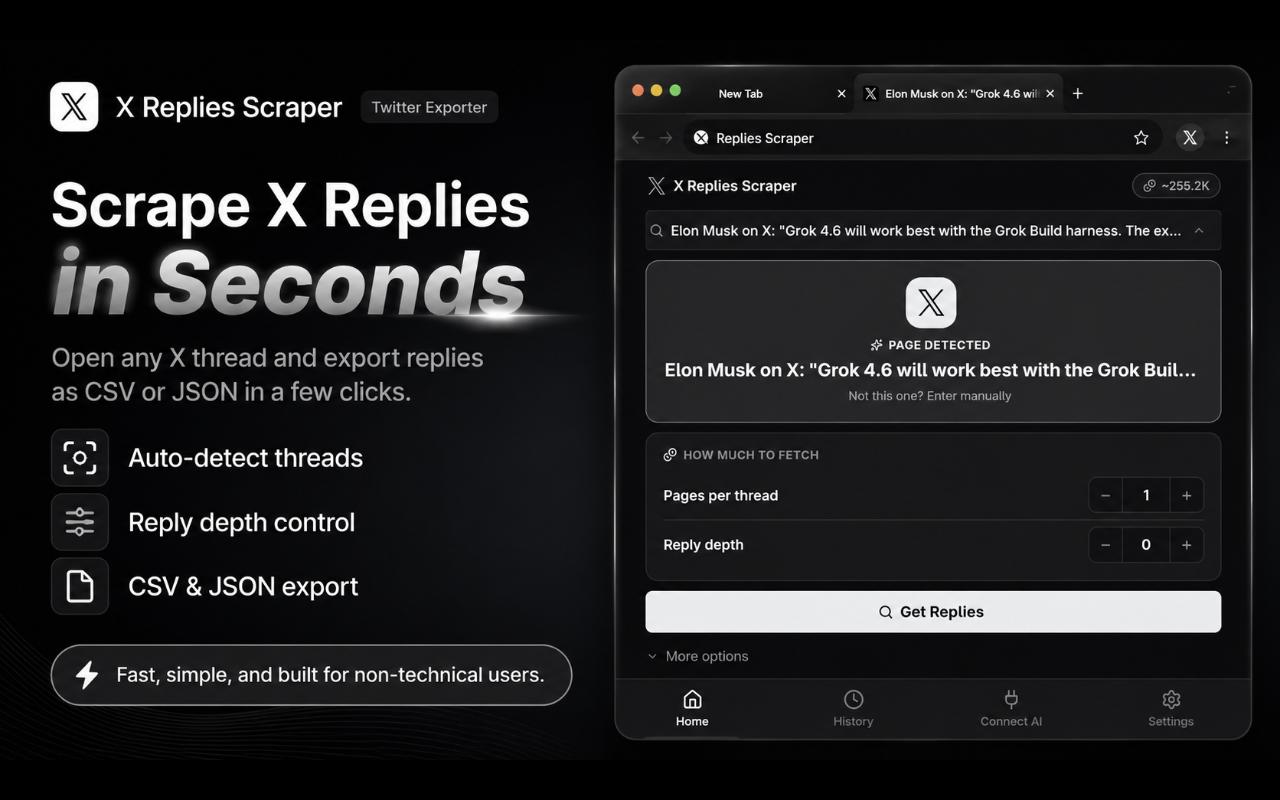
Auto-fills the current post
Already on x.com? The side panel detects and fills in the post URL for you.
-
Adjustable limit & depth
Cap the number of replies and how deep into reply chains each request goes.
-
Structured, analysis-ready data
Author, body, likes, retweets, timestamp, depth, and parent/child IDs for every reply.
How it works
From post link to spreadsheet in four steps.
- 1
Open the side panel
Click the extension icon to open X Replies Scraper as a Chrome side panel that stays open next to the post you're reading.
- 2
Paste or auto-detect the URL
Drop in any X post link, or let the panel auto-fill it when you're already viewing the post on x.com.
- 3
Set your limits
Choose how many replies to pull and how deep into nested conversations to go.
- 4
Fetch and export
The extension retrieves the full reply thread (author, body, likes, retweets, timestamp, depth, and parent/child relationships), then exports it as CSV or JSON.
Under the hood, every fetch runs through FetchLayer's X scraping API, which handles crawling X replies reliably at scale (including pagination through deeply nested reply chains), so the extension can stay focused on giving you a clean, fast export.
X Replies Scraper is built and published by FetchLayer, a data-extraction API for turning public web pages into structured, ready-to-use data.
New to exporting X replies? Read our guide: How to See All Replies to a Tweet on X.
Pricing
Free to install. Free to try. Pay only if you outgrow your starter credits.
Install
Free, no subscription, no credit card required.
Try it
Every account starts with free FetchLayer credits, enough to export real posts right away.
Keep going
Once your free credits are used, top up with FetchLayer's pay-as-you-go credits.
There's no subscription and no monthly minimum. Top-ups run on FetchLayer's usage-based pricing, billed per request. Credits never expire, so a top-up today is still good whenever you're next ready to pull data through FetchLayer.
Details
- Category
- Productivity / Data Export / Social Media Tools
- Platform
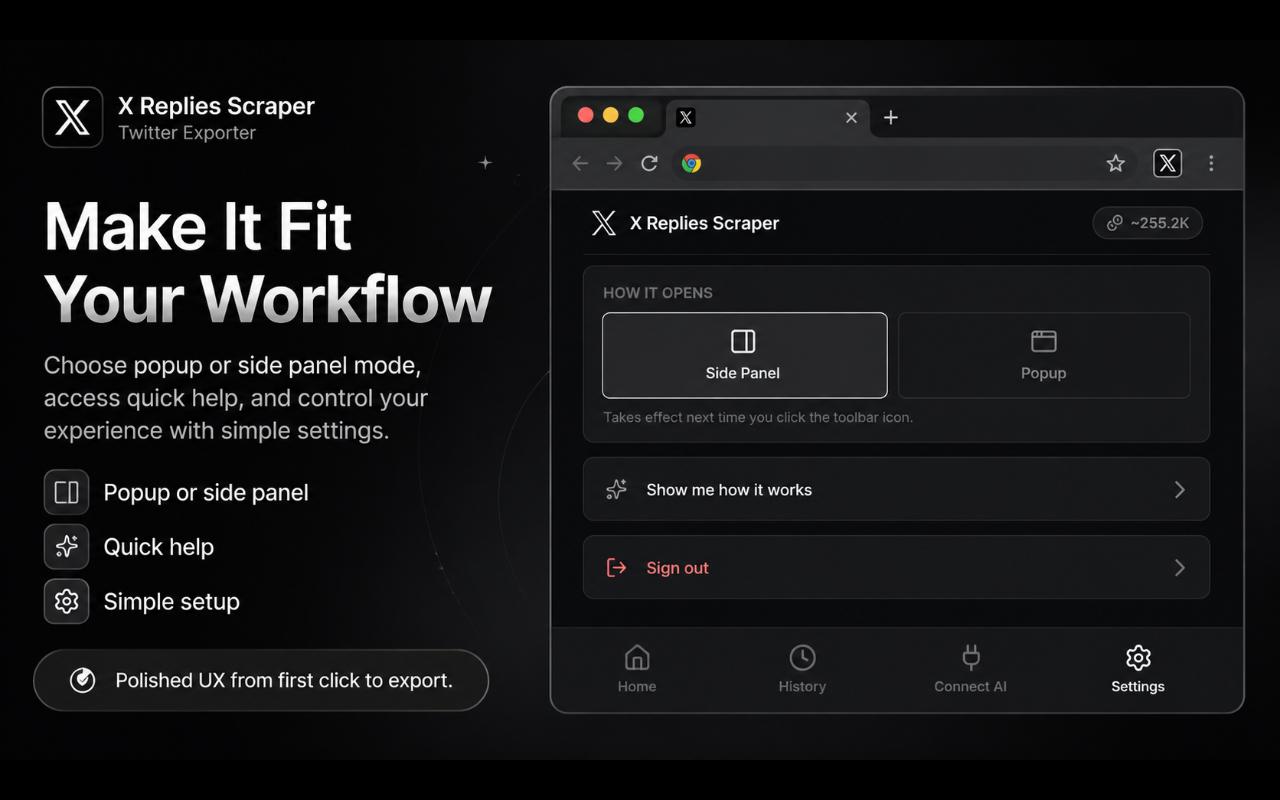
- Chrome (Manifest V3), popup or side panel UI
- Version
- 1.0.0
- Price
- Free to try, then pay-as-you-go credits
- Publisher
- FetchLayer.dev
- Powered by
- FetchLayer's X Scraper
Extension Screenshots
Frequently asked questions
Is X Replies Scraper a Chrome extension?
Yes. X Replies Scraper is a free Chrome extension built on Manifest V3. It runs as a side panel in Chrome, so there's nothing to install outside the browser and no separate desktop app.
How do I export X replies to CSV?
Install the X Replies Scraper Chrome extension, open any public X post, click the extension icon to open the side panel, then choose CSV as the export format and click Export. The download includes every reply, with columns for author, body, likes, retweets, timestamp, depth, and parent/child IDs.
Does it capture nested replies, or only top-level responses?
It walks the entire reply tree, so nested conversations at any depth are included by default. You can also cap the reply depth if you only need the first few levels.
Is X Replies Scraper free to use?
The extension is free to install, and every account starts with free FetchLayer credits so you can try it on real posts right away. Once those credits run out, you can top up with pay-as-you-go credits that never expire. There's no subscription and no forced monthly fee.
What happens when my free credits run out?
You top up with pay-as-you-go credits through your FetchLayer account. Credits are billed per request, don't expire, and there's no subscription. You only pay again once you actually need more replies.
What powers the data fetching?
The extension is powered by the FetchLayer API, which handles crawling X replies reliably so the extension can focus on giving you a clean CSV or JSON export.
Ready to export a post's replies?
Get X Replies Scraper for Chrome, free, on the Chrome Web Store.
Get it on the Chrome Web Store